Google AppSheet is secure by design
Encryption
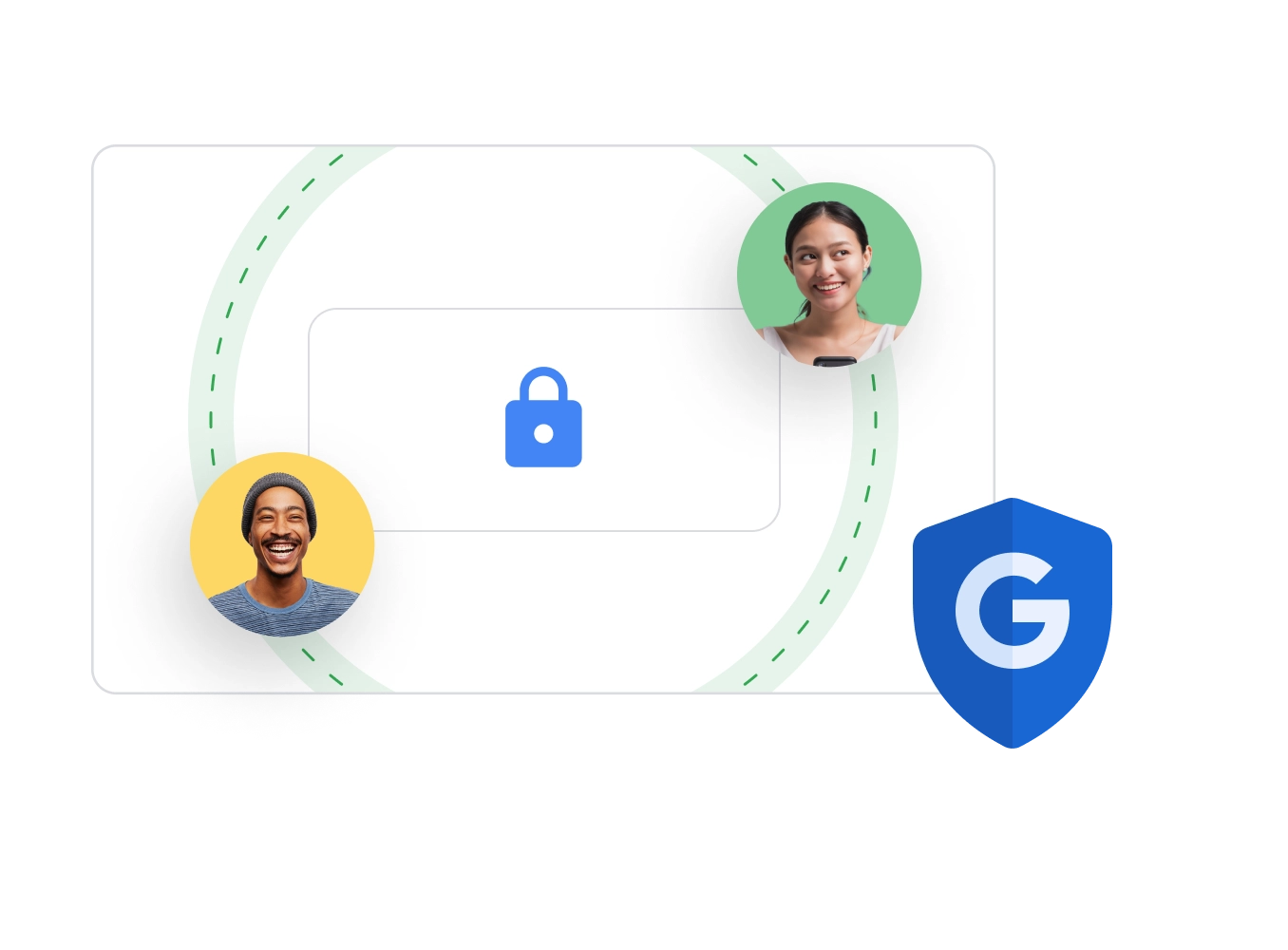
AppSheet’s built-in encryption enables AppSheet apps to be securely accessed anywhere, from any device.
Up to date, everywhere
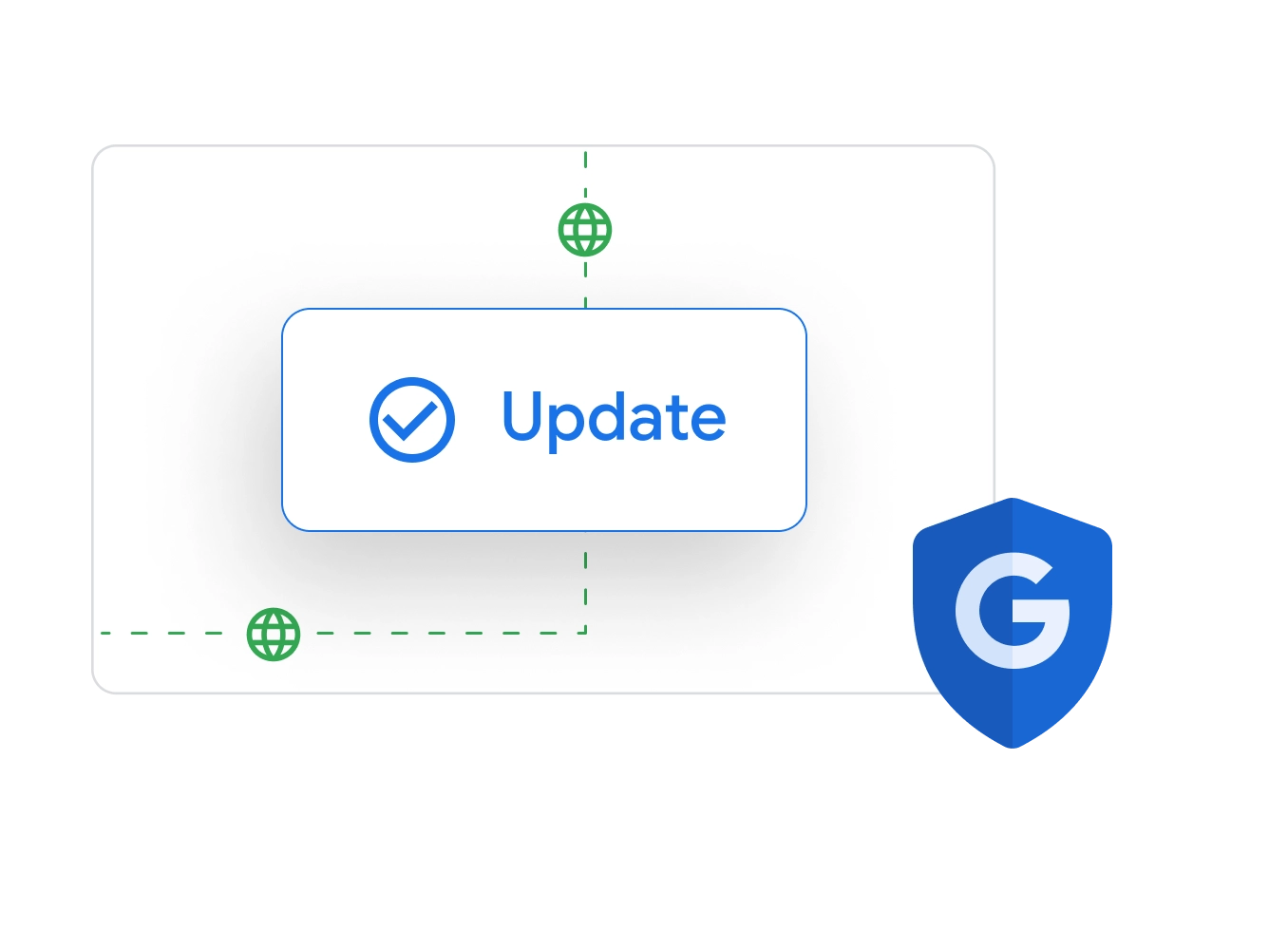
The AppSheet platform is updated across the globe, with no need for patching.
Cloud first
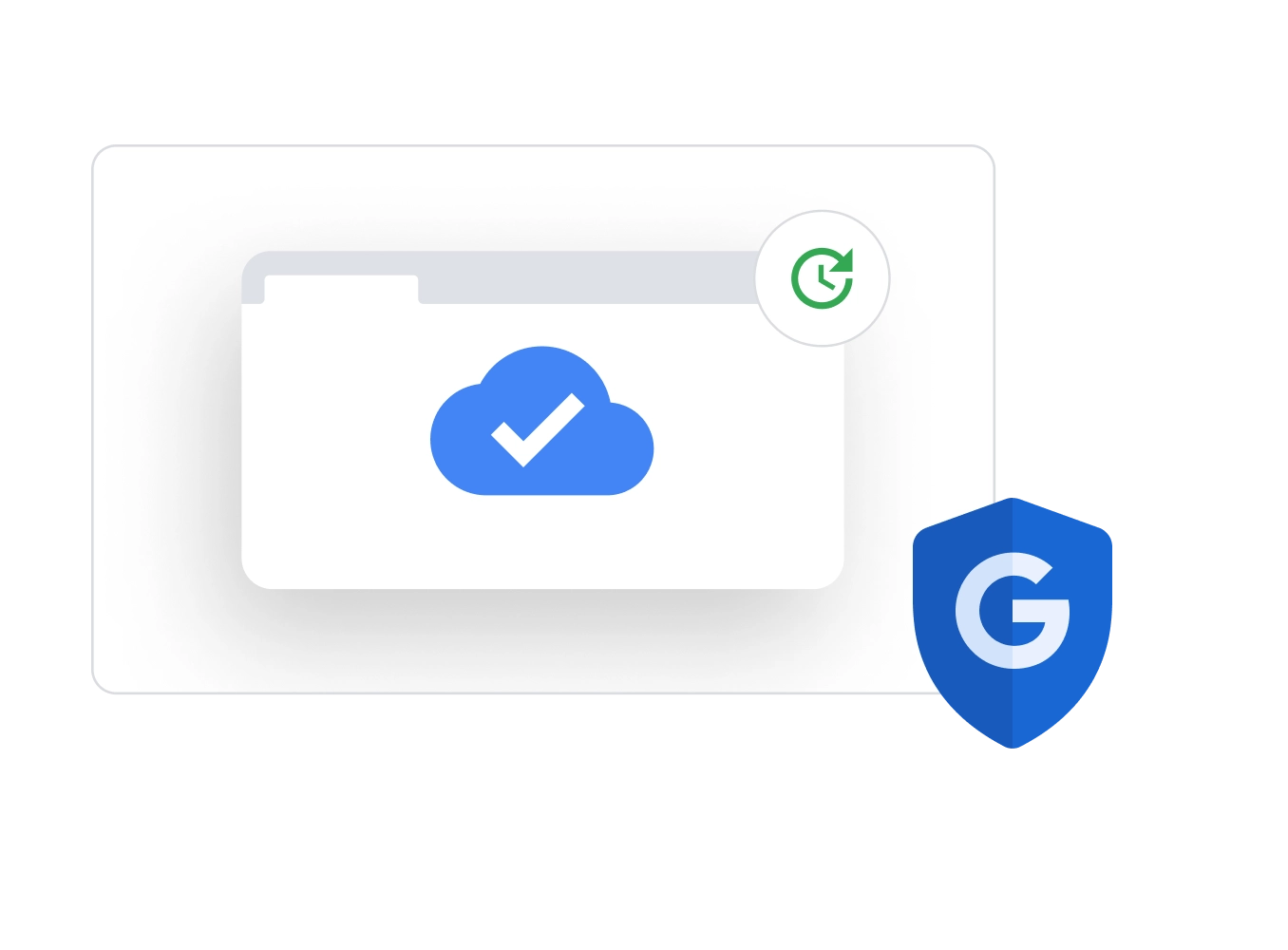
Powered by Google Cloud Platform, AppSheet offers a browser-based approach on a platform trusted by enterprises worldwide.
Encryption
AppSheet’s built-in encryption enables AppSheet apps to be securely accessed anywhere, from any device.
Up to date, everywhere
The AppSheet platform is updated across the globe, with no need for patching.
Cloud first
Powered by Google Cloud Platform, AppSheet offers a browser-based approach on a platform trusted by enterprises worldwide.
Built to meet your compliance needs




Manage user access and data for your apps
User access
Control who can access your apps based on roles and teams, without sharing your underlying datasource with users.
App data
Use security filtering and conditional logic to choose who has access to specific data and features within your app.
App usage
Track and monitor app usage, such as who has used your app, what features they’re using, and more.
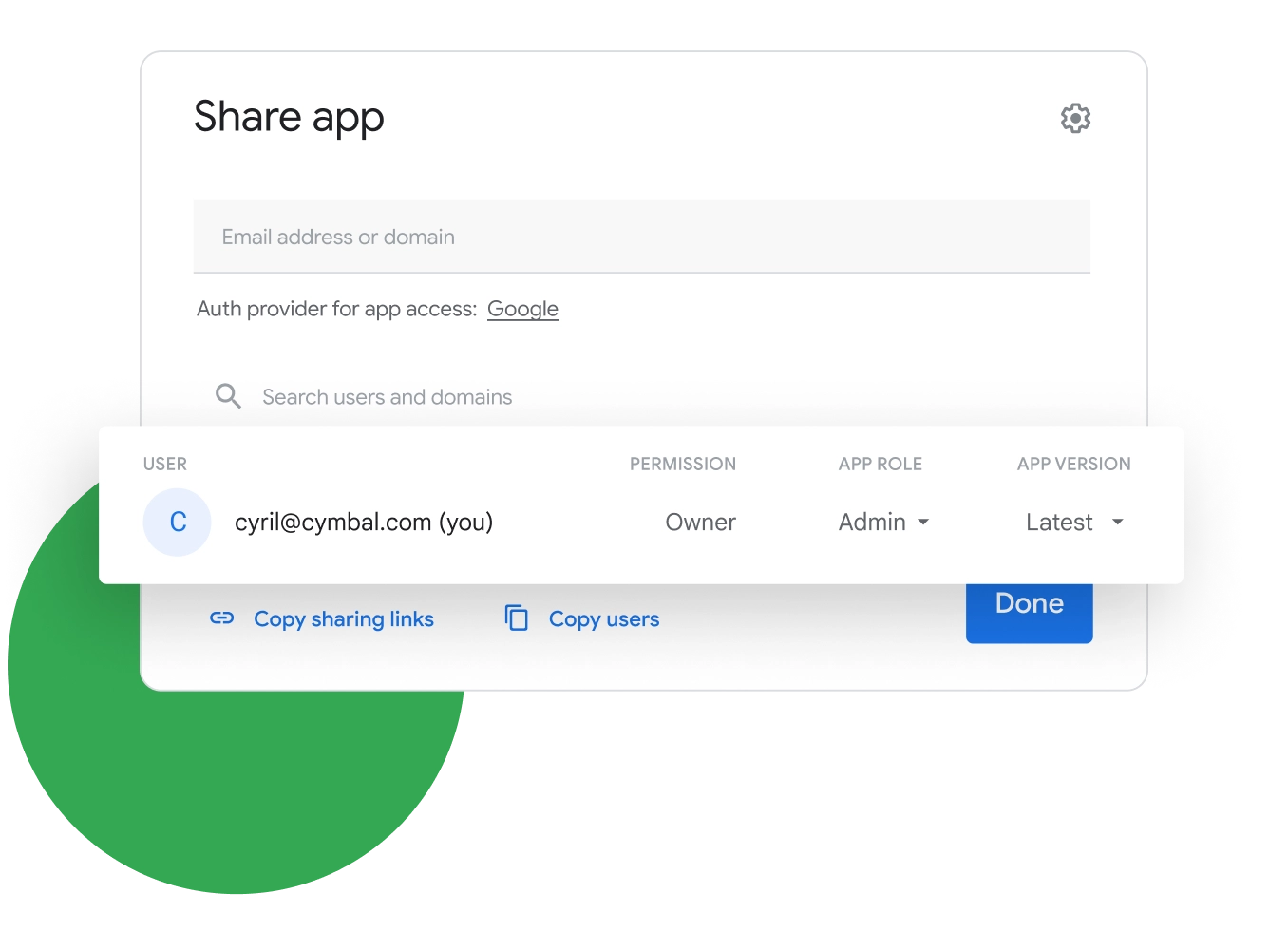
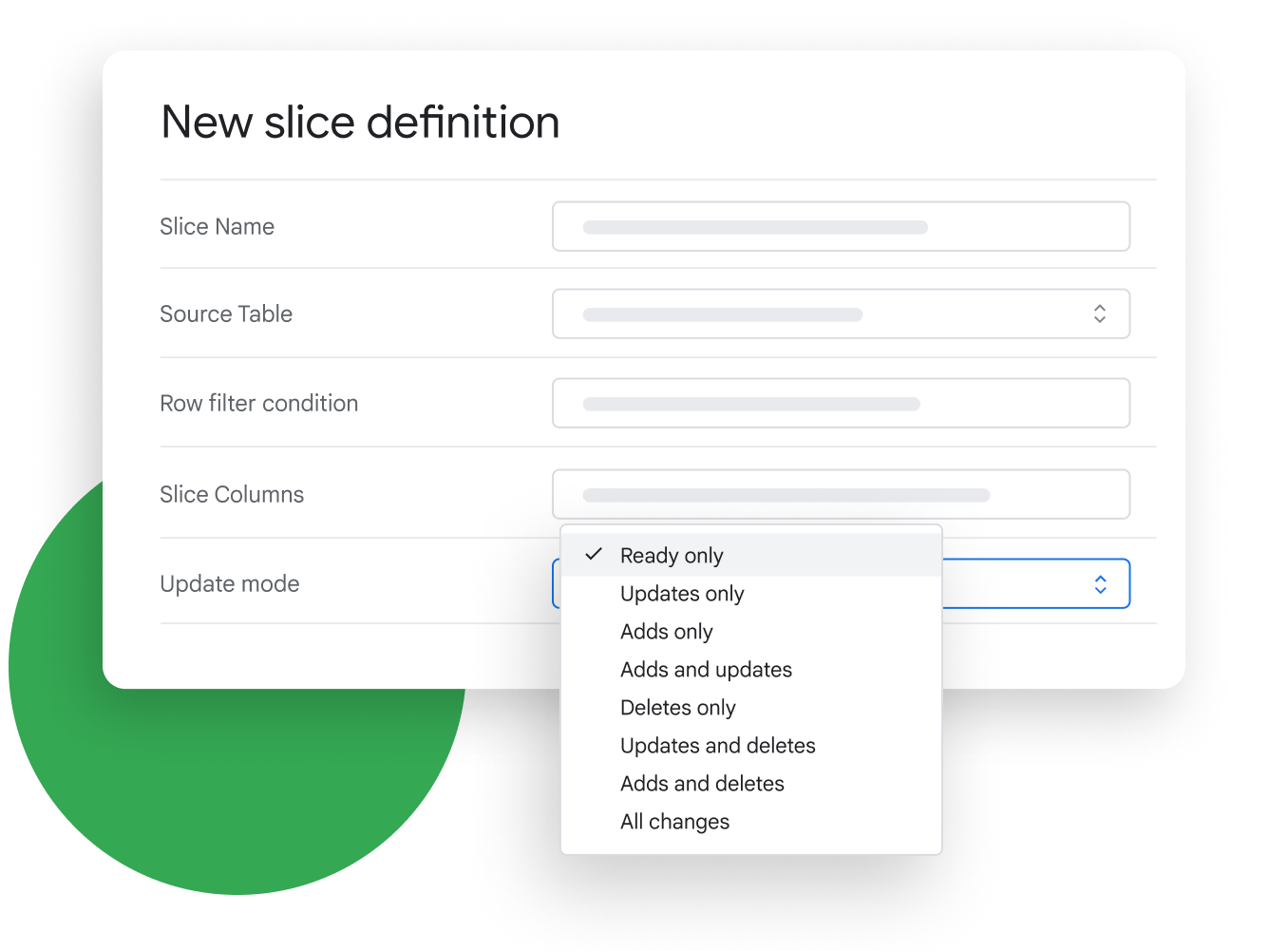
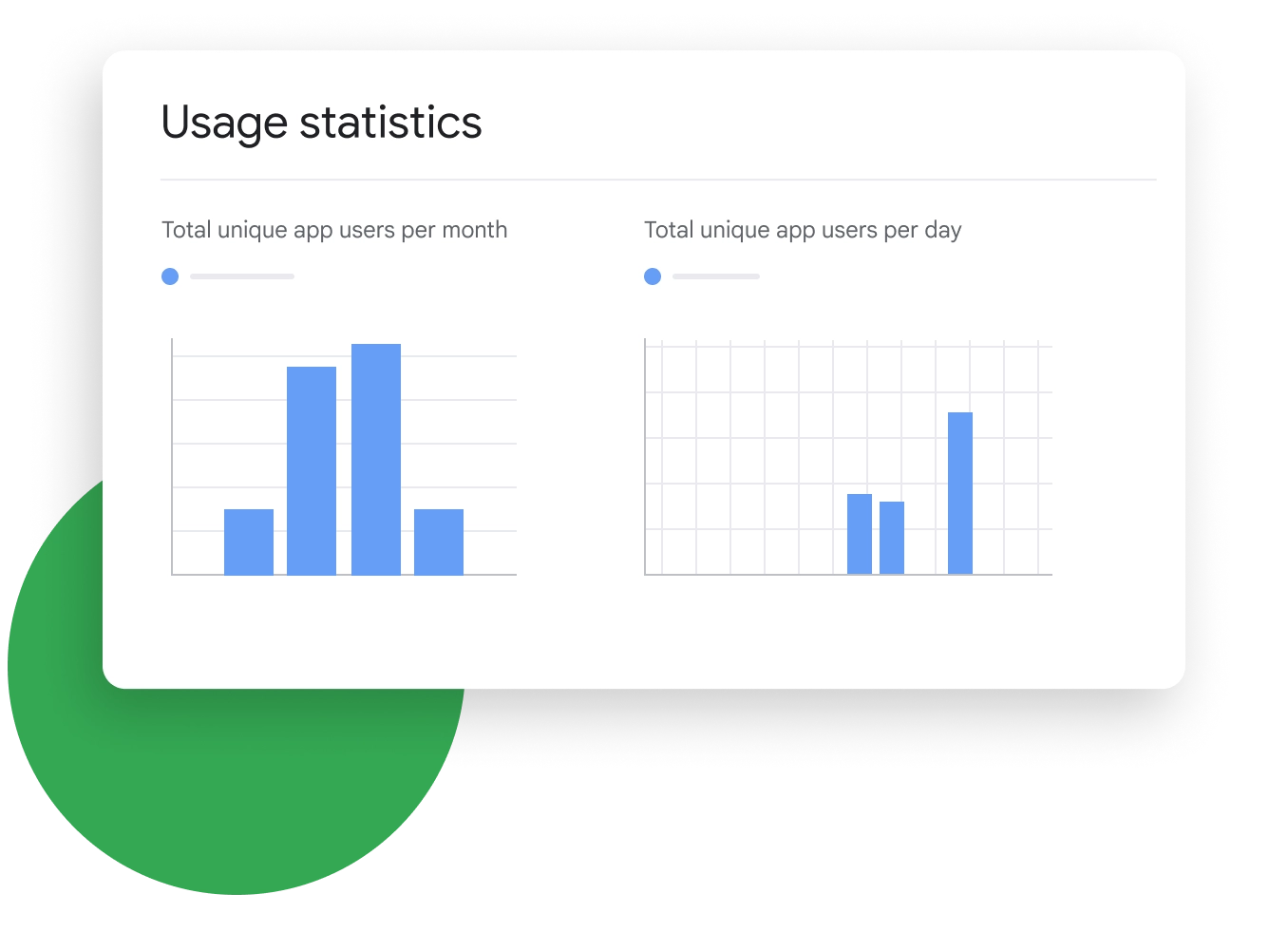
User access
Control who can access your apps based on roles and teams, without sharing your underlying datasource with users.
App data
Use security filtering and conditional logic to choose who has access to specific data and features within your app.
App usage
Track and monitor app usage, such as who has used your app, what features they’re using, and more.
Govern your organization’s AppSheet apps and ecosystem with advanced controls
Govern applications
Manage how apps are created and deployed. Enforce usage policies and track app usage in your organization.
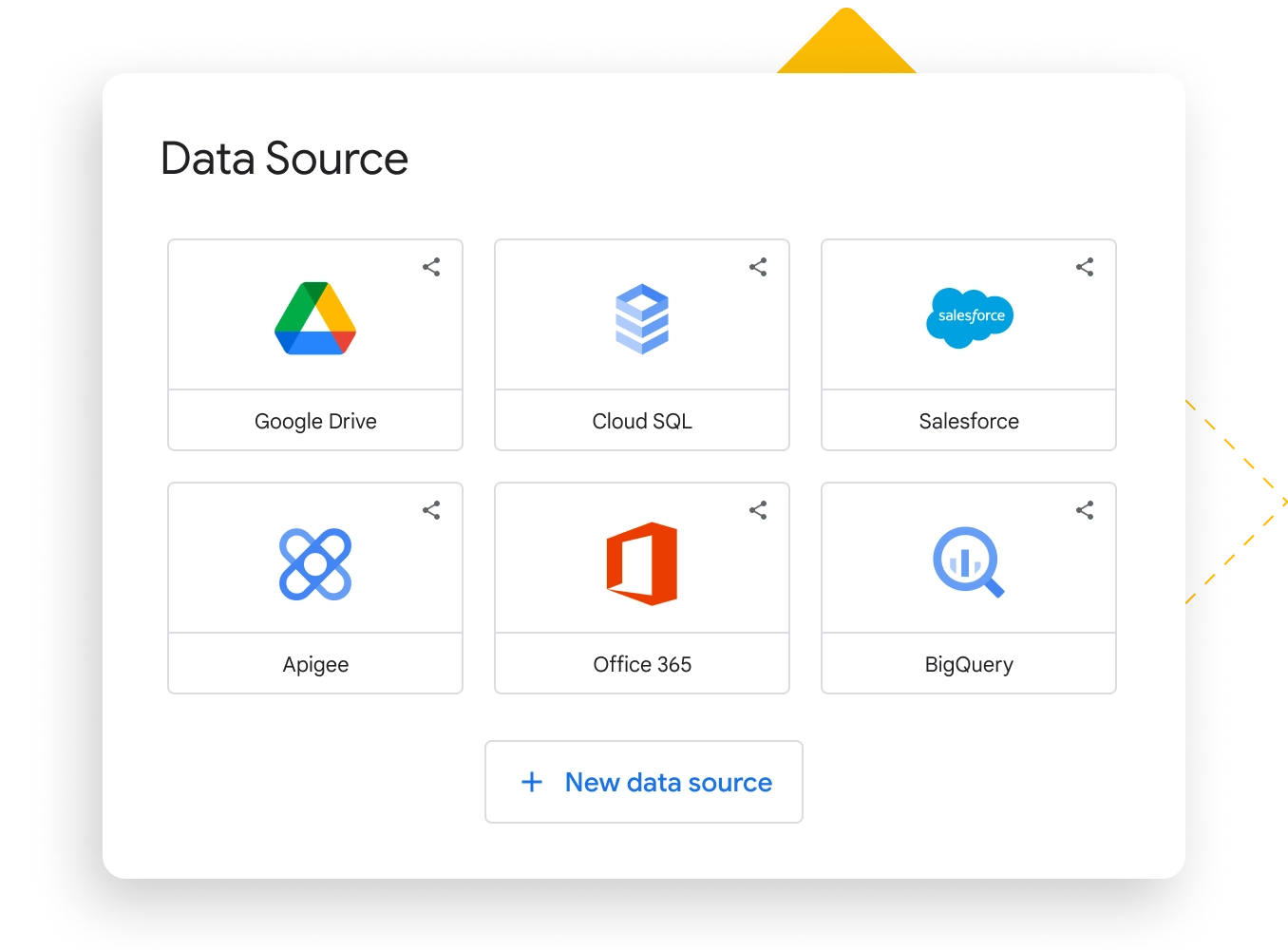
Govern data
Set up detailed policies to control which data sources and data types can be used.
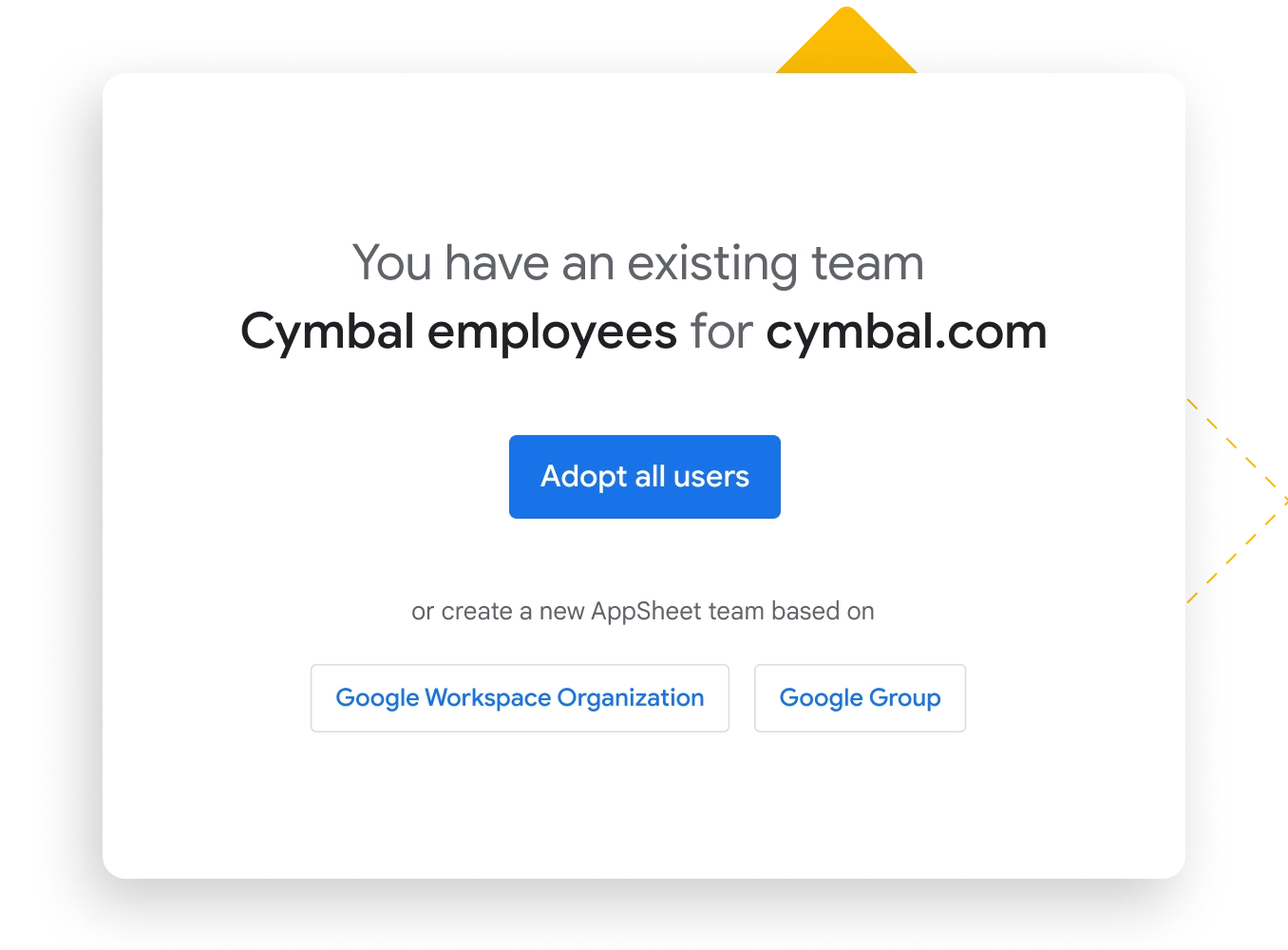
Govern AppSheet app creators
Set up groups and group policies that define how their users can engage with the platform.
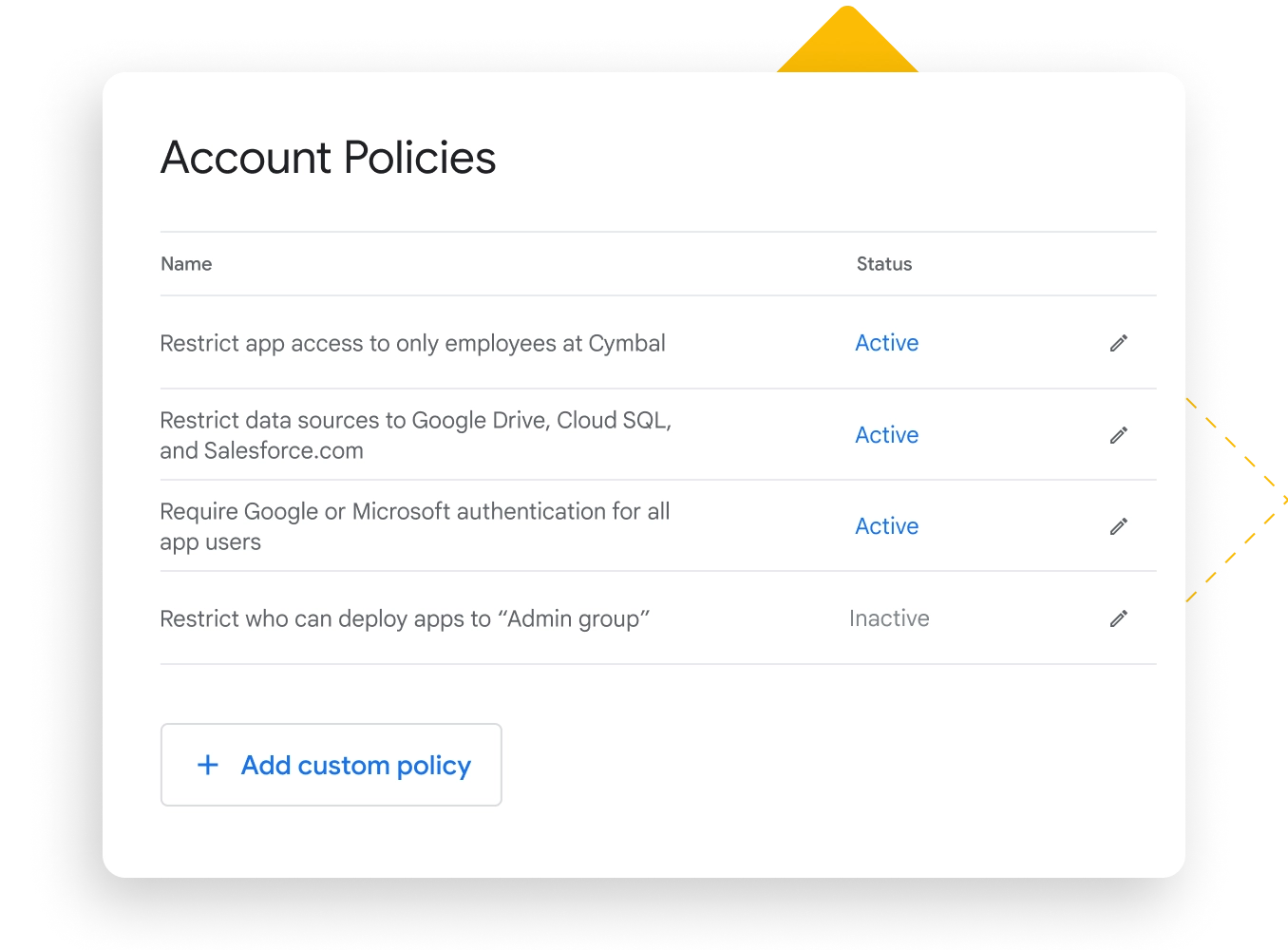
Govern applications
Manage how apps are created and deployed. Enforce usage policies and track app usage in your organization.
Govern data
Set up detailed policies to control which data sources and data types can be used.
Govern AppSheet app creators
Set up groups and group policies that define how their users can engage with the platform.
Find the security answers you need
Data stored in AppSheet applications is primarily stored in a location of your choosing, which can either be in a cloud storage service such as Google Sheets, in a cloud database such as Cloud SQL, or in a database of your choosing. In some cases, AppSheet stores your application data temporarily for performance and to support features such as the audit log. You can control these features in the application configuration.
The configuration of your applications (e.g. look-and-feel, branding, sharing) and certain user information (e.g. teams, data source configuration, administrative policy) are stored securely by AppSheet in Google Cloud.
All AppSheet users (including both application creators and users) are authenticated using a single-sign-on provider of your choosing (including Google, Microsoft, Apple, Dropbox, Smartsheet, Box, and Salesforce). AppSheet does not use, process, or store passwords for application creators or users.
When a user authenticates with AppSheet, we store an OAuth2 credential which allows AppSheet to access Cloud Storage services (such as Google Drive) and other data sources (such as Google Calendar).
Some supported data sources such as databases (MySQL, PostgreSQL, etc.) support username/password authentication. AppSheet stores these credentials encrypted in a secure database in Google Cloud.
In some cases AppSheet can integrate with domain groups, such as Google Groups, AD Groups, and Okta. Custom groups defined in your IDP can then be leveraged for roles-based access inside of individual applications. You can read more about this here yrttr .
Yes. AppSheet is SOC2 Type 2 audited. Our SOC Report is available to customers under NDA and upon request.
AppSheet supports customers’ compliance with the U.S. Health Insurance Portability and Accountability Act (HIPAA), which governs the safeguarding, use, and disclosure of protected health information (PHI). If you are subject to HIPAA and wish to use AppSheet for PHI processing or storage, please follow the steps outlined here .
Yes. Each app in your organization can have its own security. You can either (A) explicitly list users, (B) enable domain authentication support for this one application, or (C) enable domain group support if your provider supports that feature. You can learn more here .
Yes. You can invoke add, delete, edit, find, and run actions. We have several help articles to get you started. You can learn more about AppSheet’s REST API here .